Use the WYSIWYG editor to format course, module, and topic descriptions
Course, module, and topic descriptions use a WYSIWYG editor (What You See Is What You Get). Format content visually — no Markdown or HTML required.
Headings, bold, italic, strikethrough. Structure content with clear hierarchy.
Bulleted lists, numbered lists, task lists, blockquotes, horizontal rules.
Inline code, code blocks with syntax highlighting, hyperlinks.
Insert tables, upload images, and embed media directly.
One-click video insertion — paste any YouTube URL. See the YouTube embed guide.
Toggle between Visual (WYSIWYG) and Raw Markdown modes for precise control.
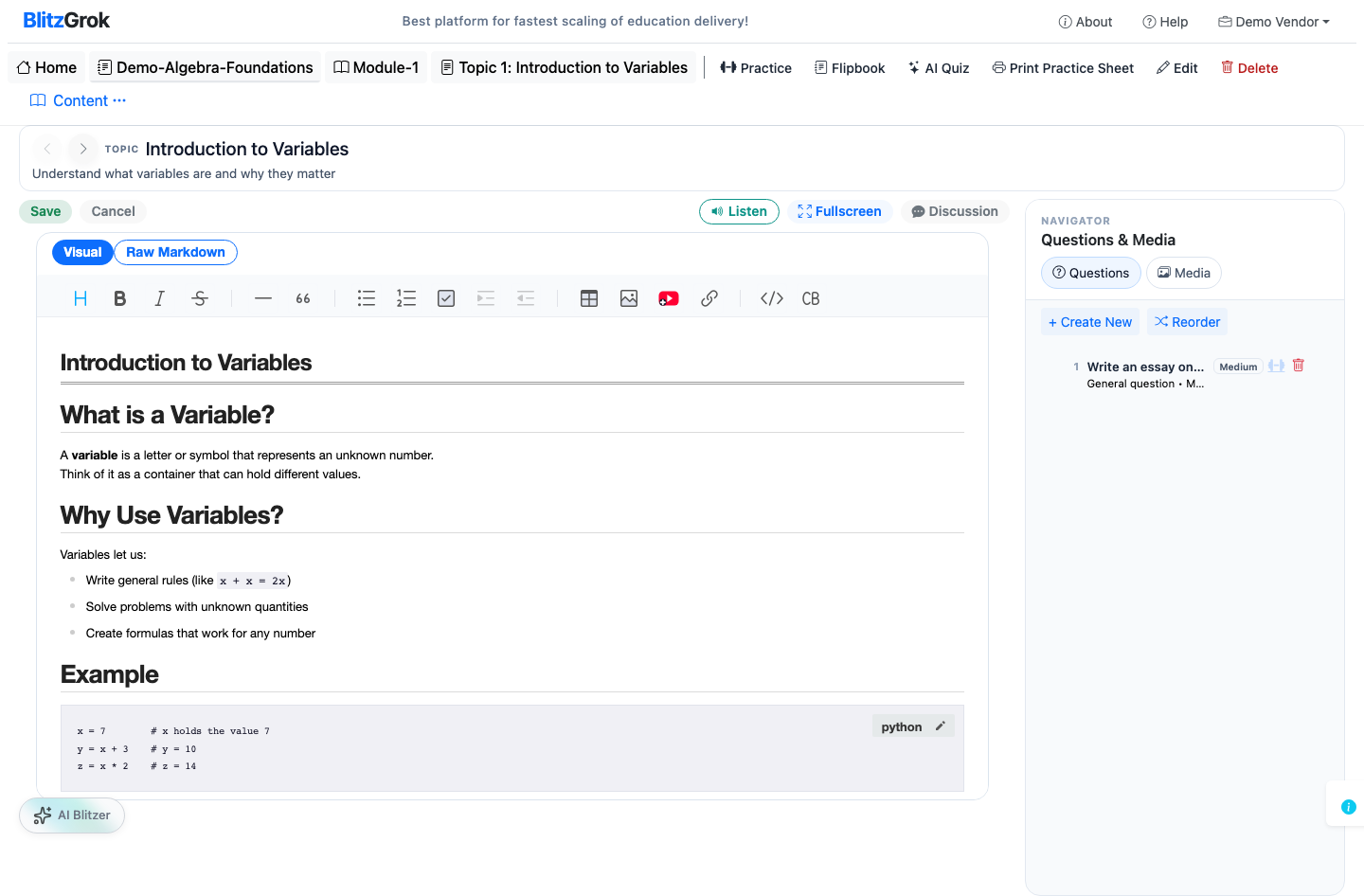
Descriptions on detail pages can be viewed in two modes, toggled from the top-right of the description panel:
All content in one scrollable accordion. Collapse headings if you want. Default view.
Content packed into pages that fit the stage. Short sections may share a page; long ones split. Navigate with Prev/Next.
# Heading for section titles — these become Scroll (accordion) sections. Flip packs content into pages that fit the view.<div markdown="0">...</div> to prevent the Markdown parser from altering them.<div markdown="0">...</div> to prevent the Markdown parser from altering it.We're here to help